To create a certificate:
Select Certificate Templates
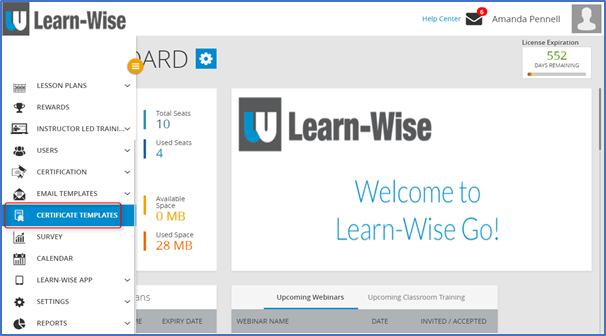
Click  > Click “Create Certificate”

Enter certificate “Title” in the title text box
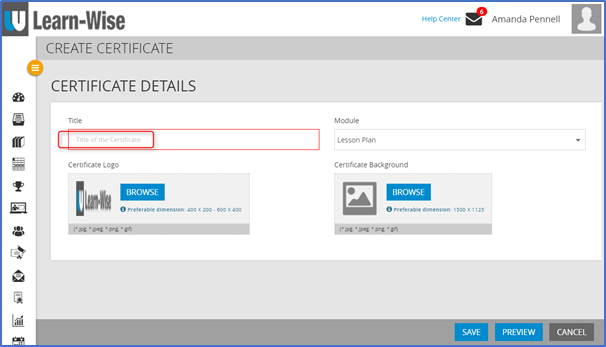
Select Module to attach certificate to (optional)
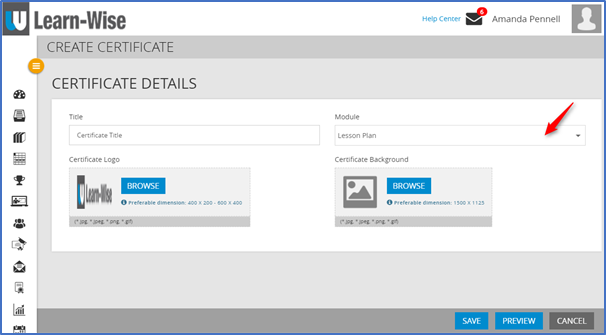
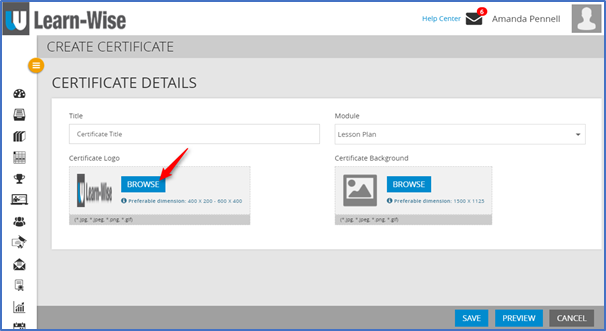
To change the certificate logo:
Click “Browse” to upload image
NOTE: Preferable dimensions for certificate logo are 400 x 200 pixels OR 600 x 400 pixels
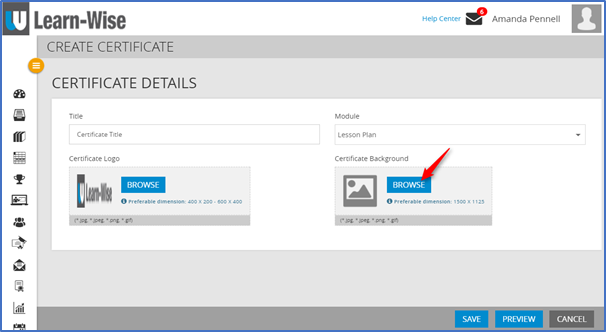
To add a certificate background:
Click “Browser” to upload image
NOTE: Preferable dimensions for certificate background are 1125 x 1500 pixels.
To finish:
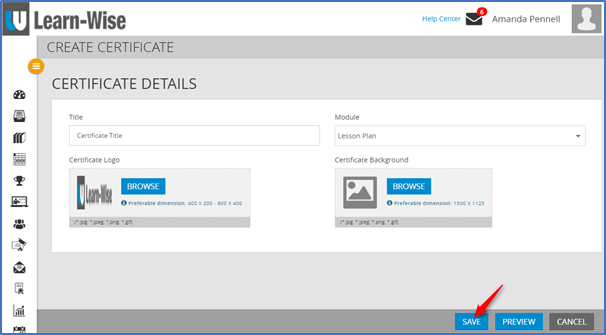
Click “Save”
Comments
0 comments
Article is closed for comments.