To add categories to my calendar:
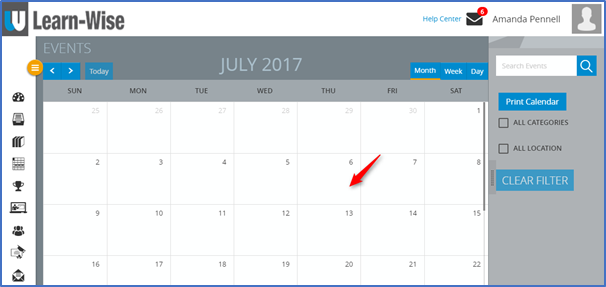
Select Calendar

Select a day on the calendar
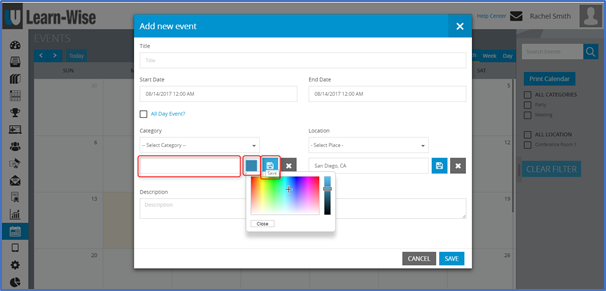
To create a new category:
Click “Add” > Enter category name > Choose color (by clicking on the blue color box) > Click “save”
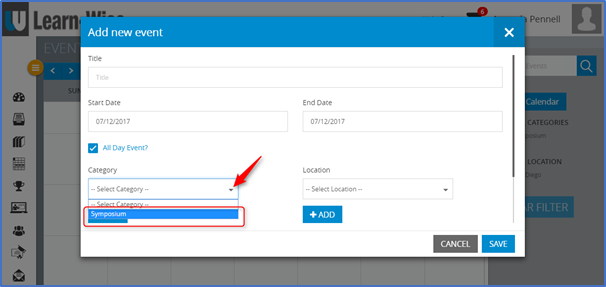
NOTE: When creating a new event, previously added categories can also be selected from the drop down menu.
Comments
0 comments
Article is closed for comments.